Common jobs 1
Music does not fit the finished video
Use Music Remix to create a version that better suits the scene, or Music Extend to add more music so the track can cover the ending.
AI Music Editing
Use one focused tool to change music you already have. Remix a song, combine two songs, continue the ending, edit one section, separate stems, or master a finished mix.
Choose a Music Tool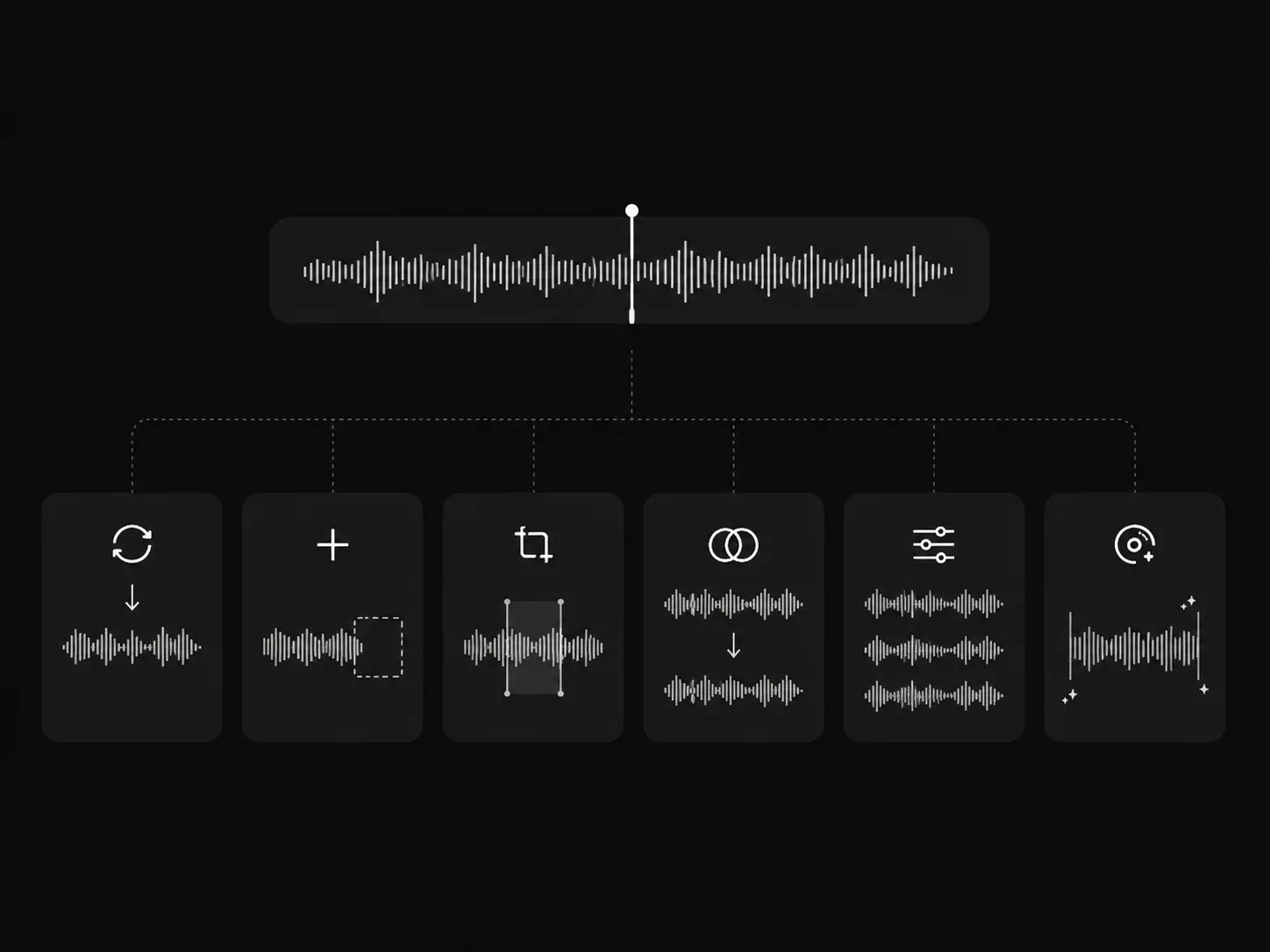
Music editing tools
Each AI Music Tool is made for a different job. Pick the one that matches the change you want to make, then work on that song or track.
Why use separate tools
A song can need a new ending, a different section, or separate instrument tracks. The Editor keeps those jobs in separate tools, so you can choose an edit that matches the result you need.
Use Remix for a new version of the song, or Song Section Editor when one verse or chorus needs different lyrics or style.
Use Mashup to combine two songs, Stem Splitter to hear parts separately, or AI Music Mastering when the mix is ready for a final version.
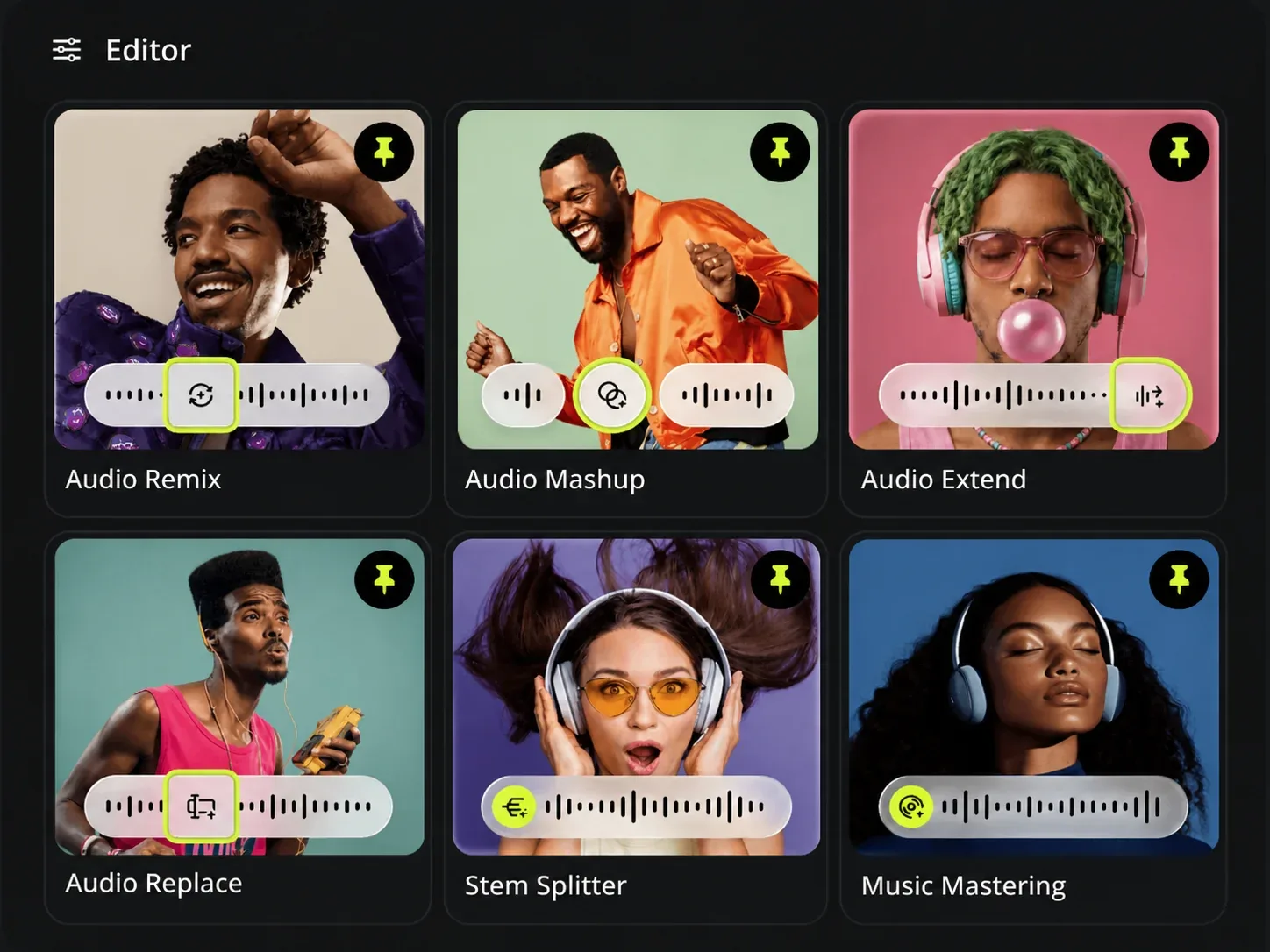
Music editing use cases
Choose an AI Music Tool for the specific change in front of you. The result stays tied to the song, video, or release you are working on.
Common jobs 1
Use Music Remix to create a version that better suits the scene, or Music Extend to add more music so the track can cover the ending.
Common jobs 2
Use Song Section Editor to select an eligible generated song section and write new lyrics or a new style for that part.
Common jobs 3
Use Stem Splitter to hear vocals and instruments separately. Use AI Music Mastering with a finished song and a different reference song to prepare the final mix.
Who can benefit
The AI Music Tool is for creators who already have a song or track and need a specific edit before they share it, use it in a video, or finish the mix.
01
Change a soundtrack's style or extend the music, so the audio fits the video you are finishing.
02
Rewrite one song section, try a new version, or separate parts of a mix while you are developing a track.
03
Prepare a song for a campaign, client review, or release by using the tool that solves the remaining music edit.
AI Music Tool FAQ
Find the AI Music Tool that fits the edit you need before you start.
Pick the music edit you need and start with the song or track you want to change.