01
Pick the strongest starting point
Use Text to Music when you can name the sound you need. Use Photo to Music when the scene, subject, or visual treatment explains the project better than words alone.
Text to Music
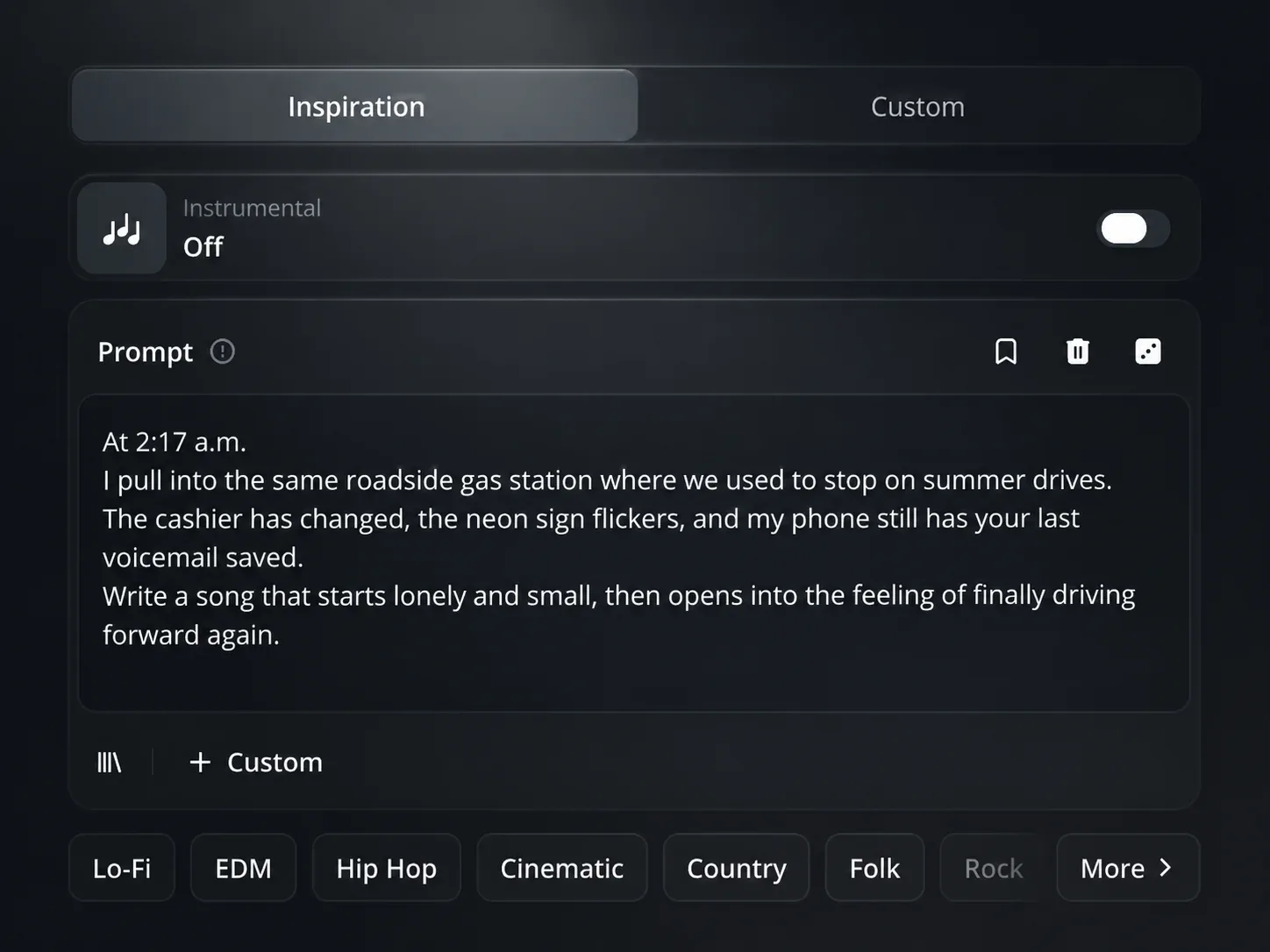
A video outline, a song concept, or a few lines about the sound can carry a clear feeling but no music yet. Text to Music turns genre, energy, instruments, voice, and purpose into a track direction you can actually hear.
Written starting point
Describe the sound in one prompt, or use the separate style and lyrics fields when the words already matter. The more specific the idea, the easier it is to begin with a track that fits the project rather than a generic background loop.
How to Make AI Music
The AI Music Maker is for the moment when a project has a direction but not yet a sound. Use the format you already have, then turn it into a musical starting point.
01
Use Text to Music when you can name the sound you need. Use Photo to Music when the scene, subject, or visual treatment explains the project better than words alone.
02
A genre alone is rarely enough. Call out the pace, instruments, vocal presence, and role the music needs to play, or add context that an image cannot communicate by itself.
03
When you already have words, bring them into the Custom text path alongside the musical direction. It keeps the song idea and its sound from drifting apart at the starting line.
04
Once the key decisions are in place, create the track and use that version to move a video edit, song demo, or visual concept forward.
Photo to Music
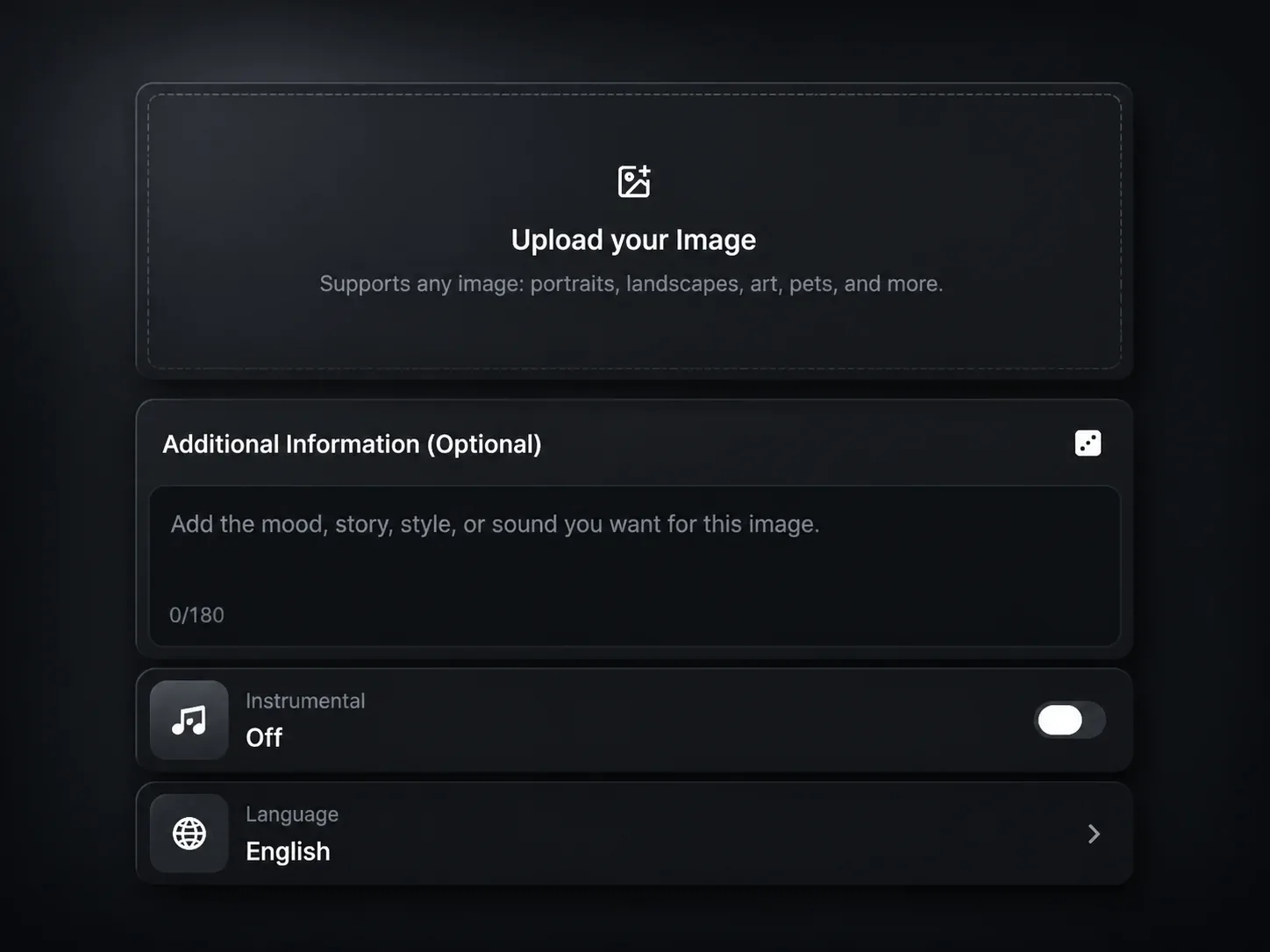
A moodboard frame, campaign visual, cover image, or piece of footage can establish a world before anyone chooses music. Photo to Music gives it a starting sound, with room for a written note when the image leaves out a key musical detail.
Visual starting point
The image can establish the setting, color, and emotional temperature. Add a short note for the instrument, rhythm, or vocal treatment you need so the sound serves the visual, not just the mood.
Built around real starting points
The AI Music Maker is not one fixed way of writing a song. Start with the asset that already carries the project forward, then make the music answer that need.
Starting point 1
When the edit has a pace and a purpose but the soundtrack is still missing, turn your idea into a direction for the music underneath it. Name the energy and use of the track instead of hunting through unrelated options.
Starting point 2
A verse and chorus can remain words on a page for too long. Pair them with a style direction to hear how the song could live as a first demo, then use that version to shape the next creative conversation.
Starting point 3
A campaign board, product shot, or cover image already makes a promise about the atmosphere. Start from the image and add the musical details that make its soundtrack feel intentional.
One workspace
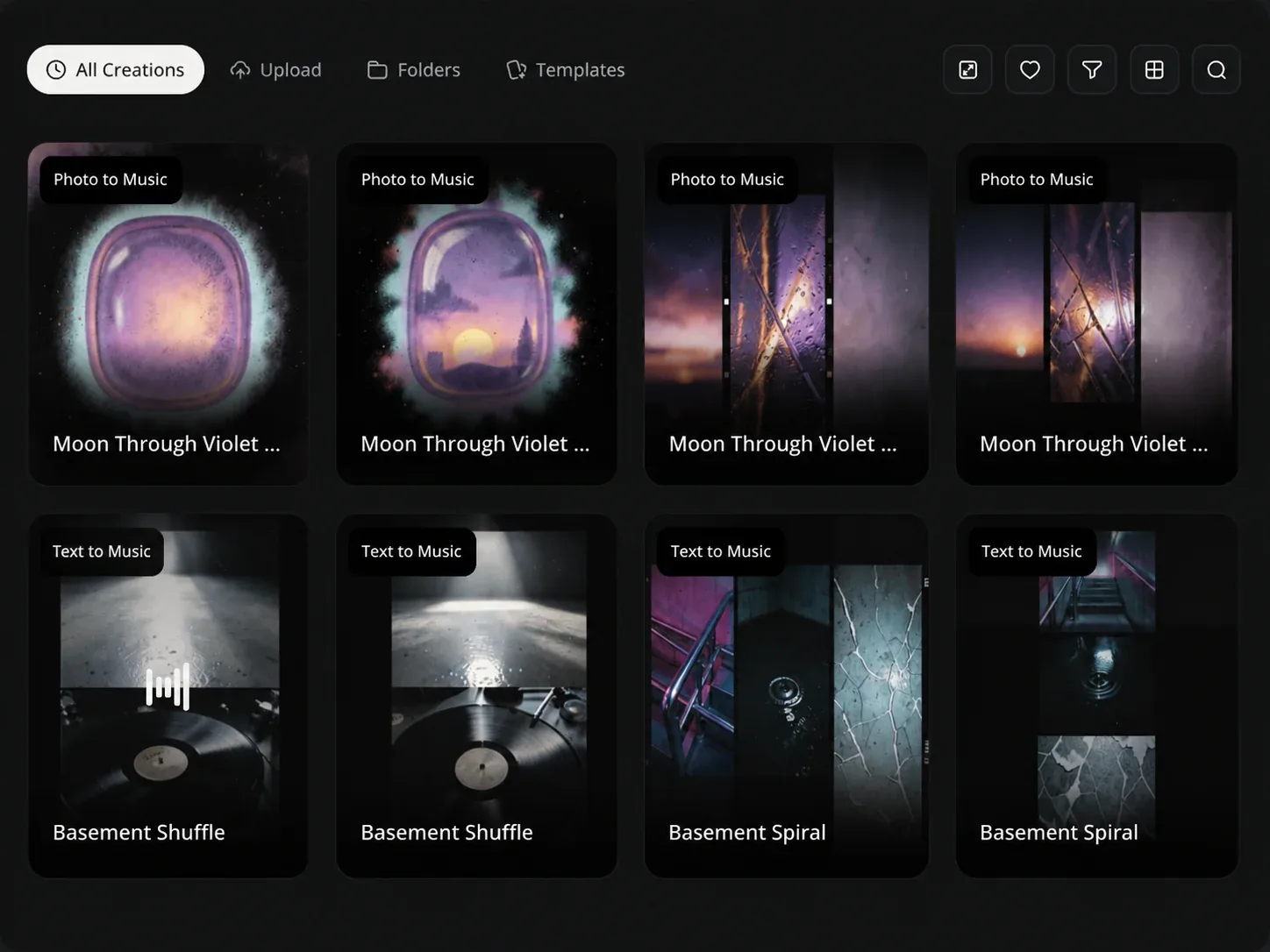
Text and images are different ways into the same AI Music Maker workspace. Your chosen path sets the opening material, while the workspace keeps the musical choices for that project in one place.
Creative setup
Use the available style, lyrics, vocal, instrumental, and advanced options for the path you selected. They give the first version a clearer job to do for the project in front of you.
AI Music Maker FAQ
Clear answers on using written ideas, lyrics, and images as music starting points.
Start with the idea, lyrics, or image already in front of you, then use the AI Music Maker to turn it into a musical direction.