Indie Pop
0:00 / 0:00
Music Finishing
Give a finished song a clearer final sound. Choose the song you want to master and a different reference track, then create a new mastered version.
Master Your Song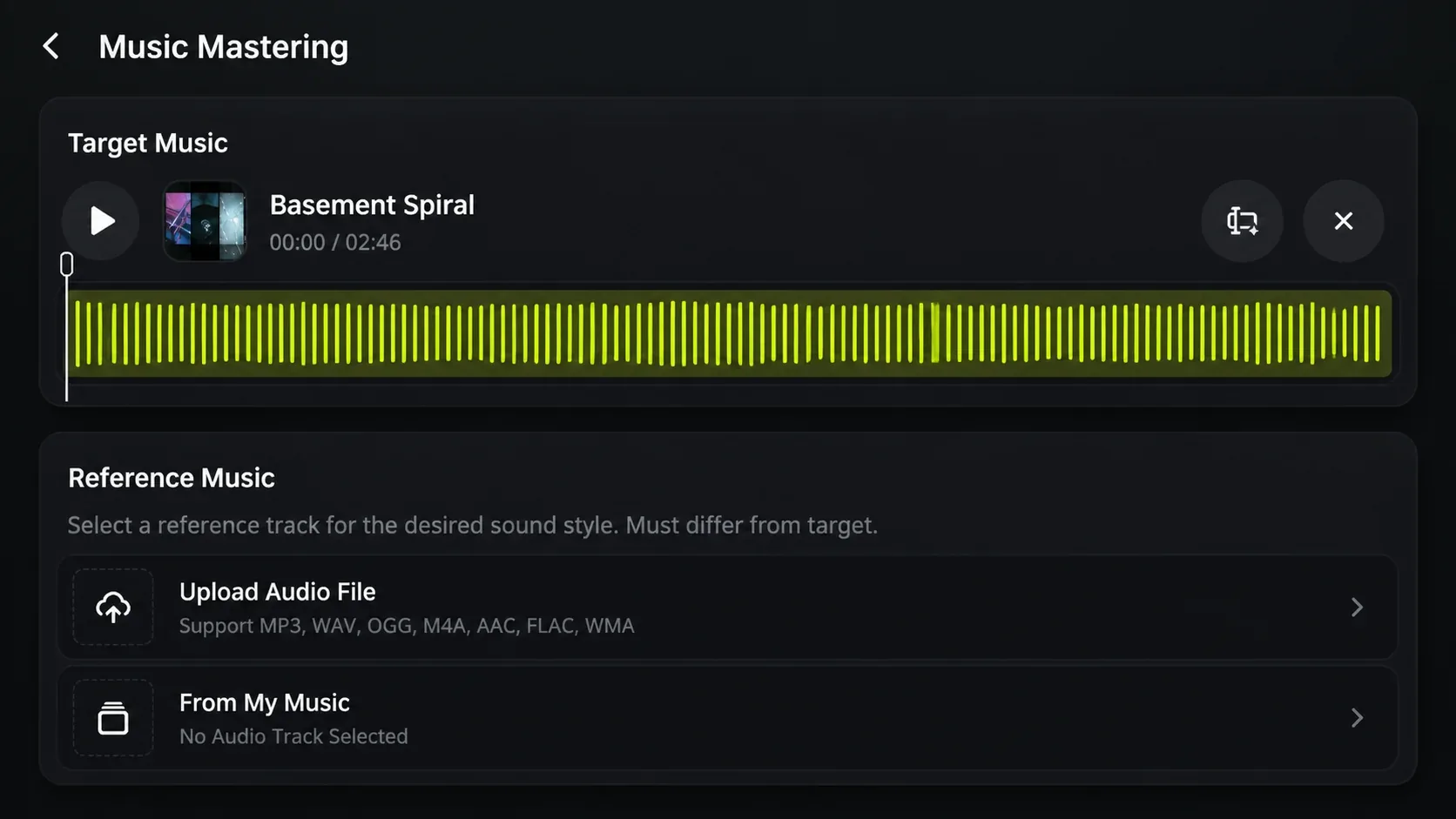
Music Mastering Examples
Switch between both versions and hear the result for yourself.
0:00 / 0:00
0:00 / 0:00
How to master a song
AI Music Mastering starts with two different songs: the song you are finishing and a reference that shows the sound you are aiming for.
Upload your finished song, or select it from your Music Library when the mix is ready for its final version.
Pick a different song with the loudness and overall sound you want your finished song to move closer to.
AI Music Mastering uses the reference to guide the result, so you can compare the new version with the song you started with.
Reference-guided mastering
A song can be finished musically but still feel quieter or less balanced than the music around it. AI Music Mastering uses a reference track to guide loudness and the overall balance of your song.
Use a reference when your song needs to sit closer to the level of other music in a playlist, video, or release.
Choose a reference with a sound you like when you want the final version to have a more consistent balance across the whole song.
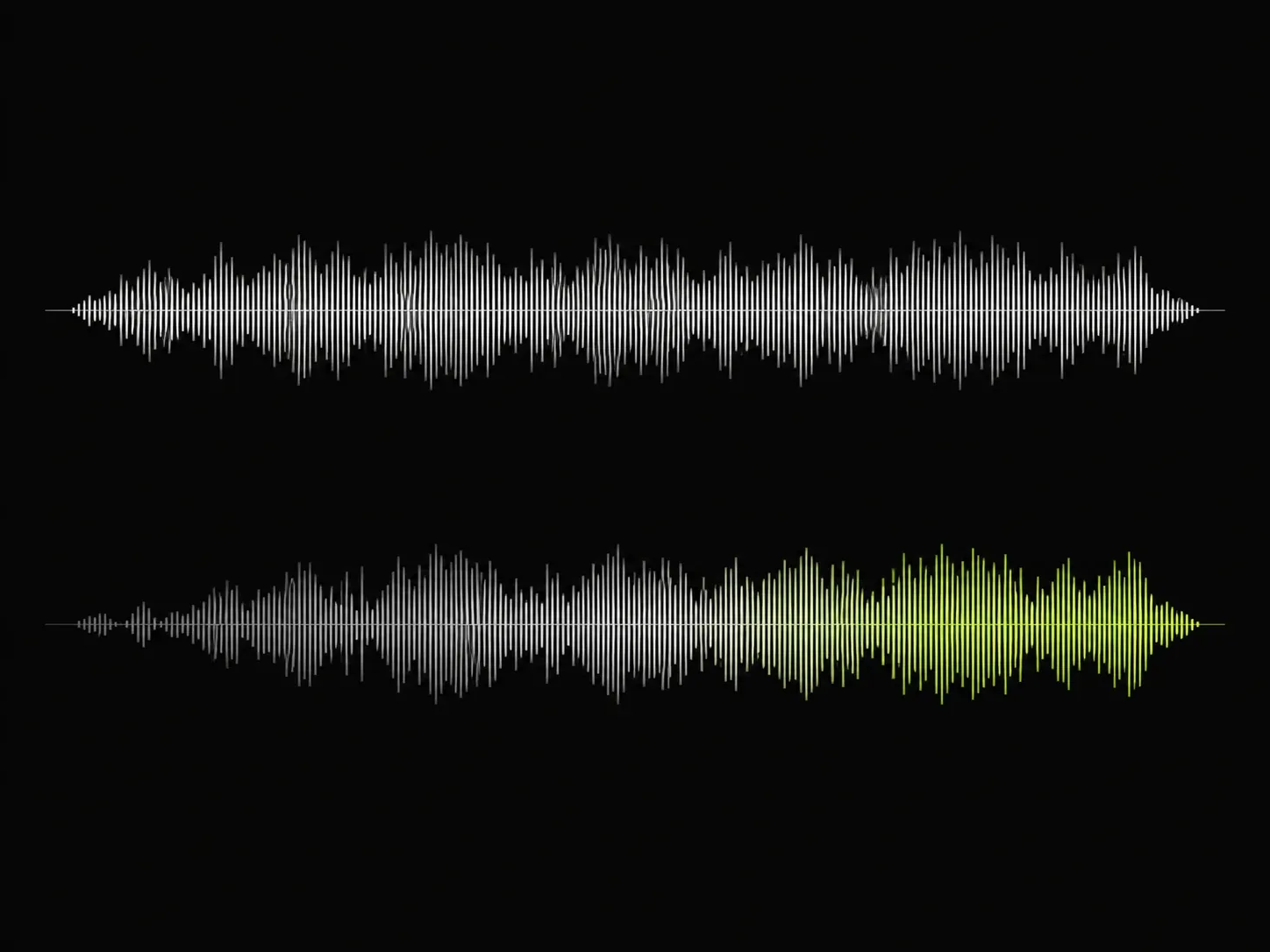
When to use AI Music Mastering
AI Music Mastering is for songs that are already arranged and mixed, but need a final version that feels more consistent beside the music they will be played with.
When it helps 1
When your arrangement and mix are ready, use AI Music Mastering with a suitable reference track to create a final version for listeners.
When it helps 2
When your song sounds noticeably quieter or less even than the other music around it, choose a reference that fits the setting and create a more consistent version.
When it helps 3
When you are choosing between different sound goals, master the same finished song with different reference tracks and compare the resulting versions.
AI Music Mastering FAQ
Answers to common questions about finishing a song with AI Music Mastering.
Choose your finished song and a reference track, then use AI Music Mastering to create a more consistent final sound.