What you can do 1
Make an instrumental version
For a rehearsal, karaoke version, or video background, use vocal remover to separate the singer from the music.
AI Music Editing
Separate a song into vocal and instrument tracks. Upload audio or choose a saved song from your Music Library, then choose the stem split that fits the part you need.
Split Stems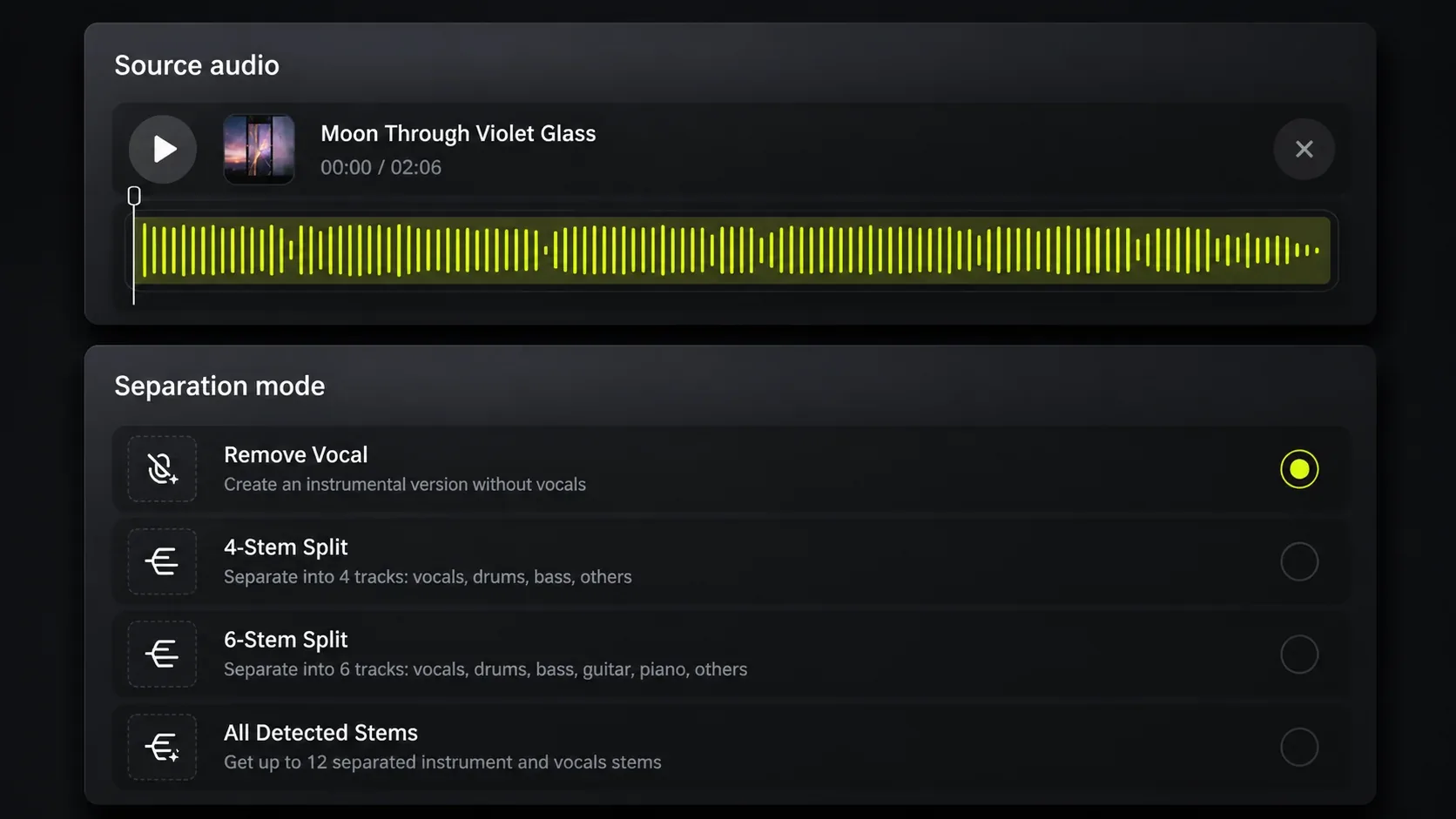
Stem Splitter Example
Listen to the vocals, drums, bass, and other sounds together or on their own.
How to split stems
Use Stem Splitter to hear vocals or instruments apart from the full mix. Add the song, choose the split, then listen to the tracks separately.
Upload audio from your device, or select a saved song from your Music Library.
Use vocal remover for an instrumental version, or choose a 4-stem or 6-stem split for separate music tracks.
Open the separated tracks and focus on the vocals, drums, bass, guitar, piano, or other music you need to hear.
Vocal remover and stem separation
Use vocal remover when you need the music without the singer. Choose a stem split when you want to hear the separate vocal and instrument parts of a full mix.
Use vocal remover to create an instrumental version when the singer is not needed.
A 4-stem split separates vocals, drums, bass, and other elements. A 6-stem split also separates guitar and piano.
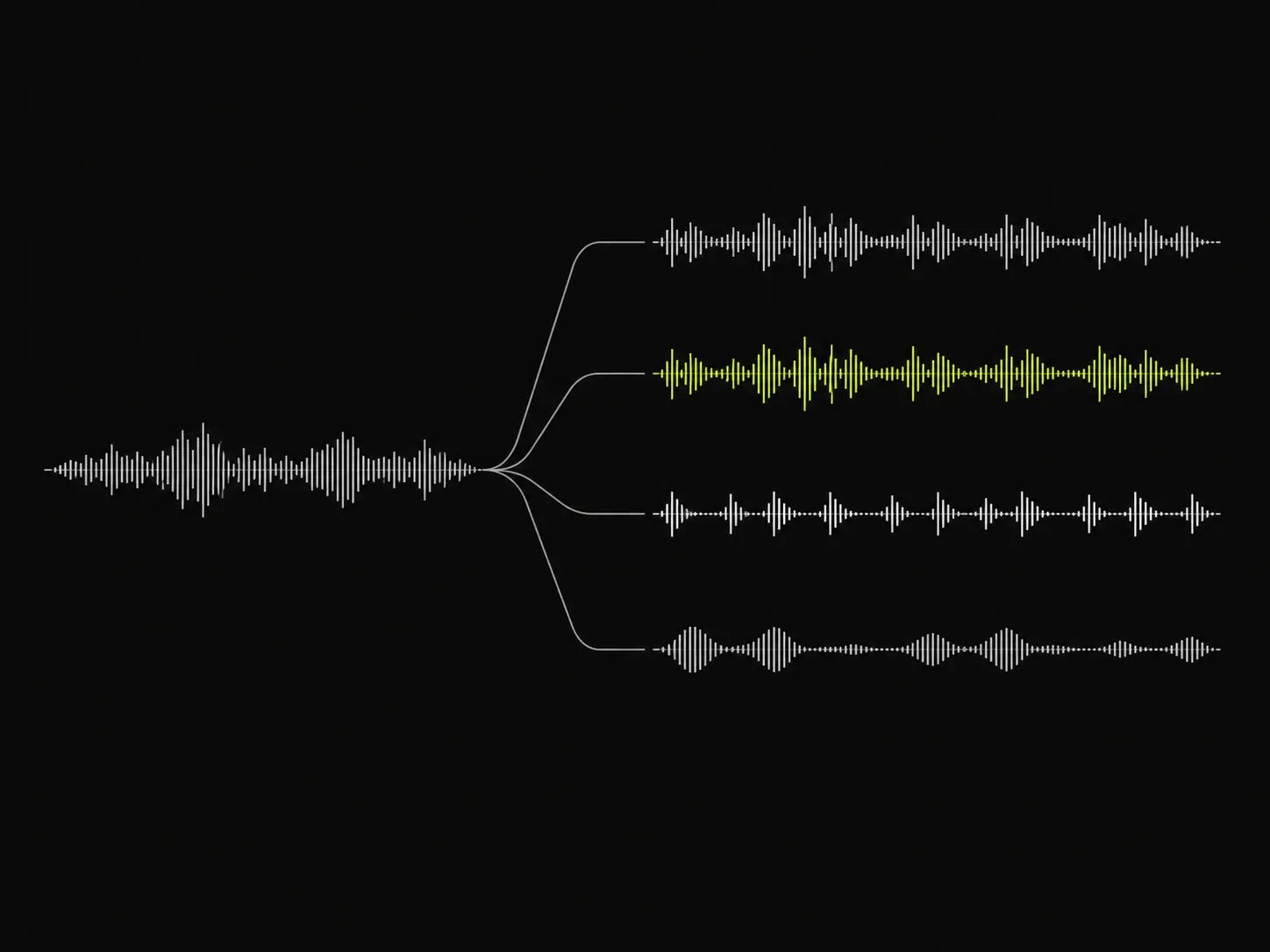
Stem Splitter use cases
A full mix can make one part hard to hear. Stem Splitter gives you the vocal or instrument track you need for the next music task.
What you can do 1
For a rehearsal, karaoke version, or video background, use vocal remover to separate the singer from the music.
What you can do 2
When lyrics, phrasing, or a vocal melody are hard to hear in the full mix, split stems and listen to the vocal track on its own.
What you can do 3
Use a 4-stem or 6-stem split to focus on drums, bass, guitar, piano, or other parts without the full mix covering them.
Who can benefit
Stem Splitter is for people who want to work with vocals or instruments separately instead of listening to every part in the full mix.
01
Remove vocals for practice, or isolate the vocal track to listen more closely to the melody and phrasing.
02
Separate drums, bass, guitar, piano, and other instruments to study how a song is arranged.
03
Create an instrumental version when a video needs music without the original vocal track.
Stem Splitter FAQ
Learn how Stem Splitter separates vocals and instruments from a song.
Choose a song and the stem split you need, then listen to vocals and instruments separately.