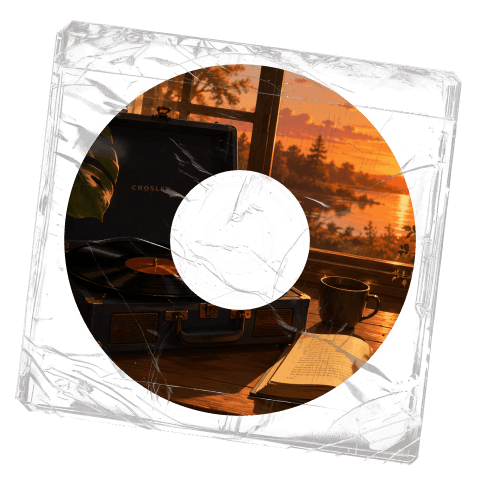
Lo-Fi
A relaxed track built around understated rhythm and warm texture.
Text to Music Examples
Listen to music made from prompts, lyrics, and style choices.
A relaxed track built around understated rhythm and warm texture.
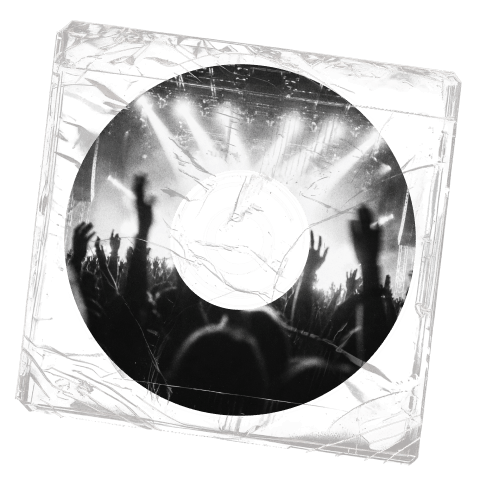
An electronic track with a stronger beat and dance-focused energy.
A beat-led track with a grounded groove and clear rhythmic focus.
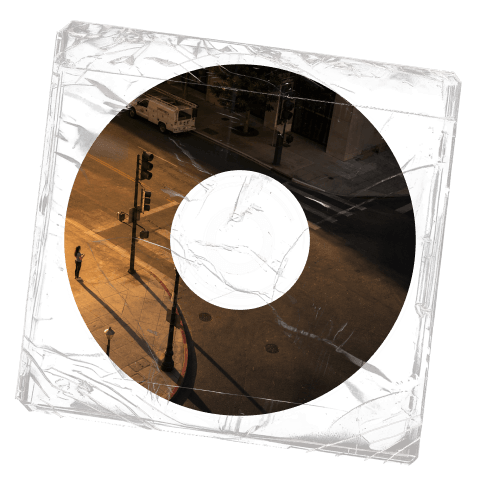
A scene-led track that builds atmosphere and scale over time.
01 / 00
How to use Text to Music
Text to Music gives you a simple route for a broad idea and a separate route for songs that already have lyrics.
01
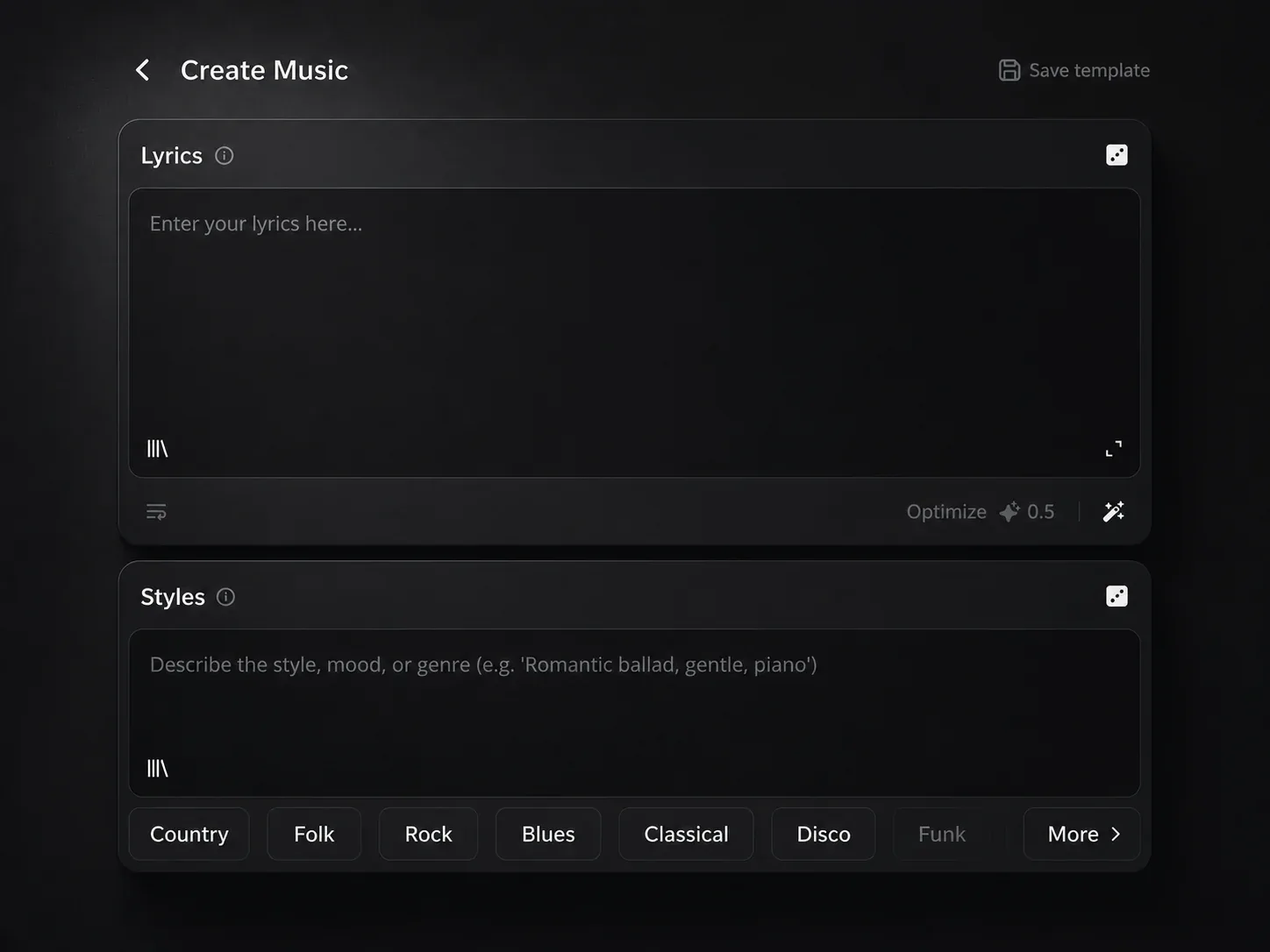
Pick Inspiration when one prompt can describe the song. Pick Custom when you want to enter lyrics and musical style separately.
02
Write the details that matter to the track, such as genre, mood, instruments, pace, or the role the music will play in a video or song.
03
Add lyrics when the track needs words, or choose the instrumental option when you need music without generated vocals.
Inspiration and Custom
Some tracks begin with a quick idea. Others begin with lyrics that need a clear musical style. Text to Music supports both starting points without making either one feel like a workaround.
Inspiration
Use Inspiration for a short request such as a soft piano track for a study video or a bright pop song for a travel edit.
Custom
Use Custom when the words are already written. Add the lyrics, then describe the genre and arrangement you want around them.
Make music from text
Text to Music is useful when the music can be described before it is played. Start with the words that explain the purpose of the track.
Common starting points 1
Describe the scene, pace, and mood of the edit. Text to Music turns that request into original music for the video.
Common starting points 2
Paste a verse and chorus into Custom, then add the style you want. Text to Music gives your lyric draft a song to develop.
Common starting points 3
Describe the genre and arrangement, then choose the instrumental option. The result can support an intro, video, presentation, or focused listening session.
Text to Music FAQ
Answers about prompts, lyrics, Inspiration, Custom, and instrumental music in Text to Music.
Open Text to Music, describe the song you need, or add lyrics you have written. Create a new song or instrumental track from your idea.