01
Choose an image
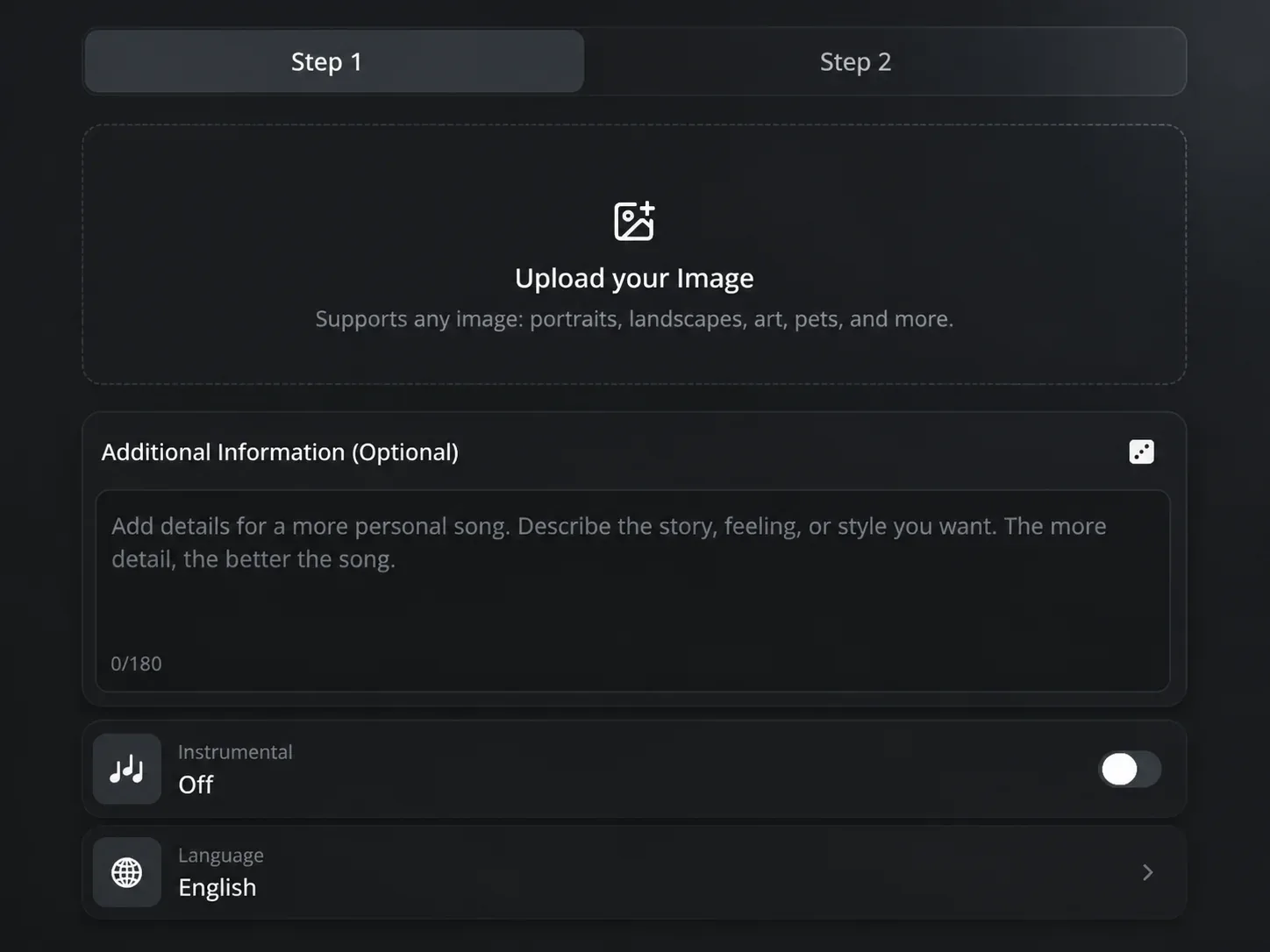
Add a photo, illustration, cover image, or video still that represents the scene, subject, or style behind the music.
How to create music from a photo
Photo to Music starts with a visual and gives you room to describe the sound you want alongside it.
01
Add a photo, illustration, cover image, or video still that represents the scene, subject, or style behind the music.
02
Use the optional text field to name the genre, pace, instruments, or story you want the music to carry.
03
Choose instrumental music for a visual that needs music without vocals, or create a vocal song when words suit the idea.
Image to Music
The visual provides the starting point. A few written details can make the music more specific when you already know the genre, pace, or type of track the project needs.
Start with the visual
Use an image that shows the place, moment, character, or visual style you want the music to support.
Add context when needed
Add a short note such as quiet piano for a morning scene or upbeat pop for a travel video to guide the track toward the result you need.
Make music from images
Photo to Music helps when the visual comes first and the music still needs to be made. Use the image to begin with material that belongs to the project.
Ways to use Photo to Music 1
Choose a still from the edit and describe the pace or musical style it needs. Photo to Music creates a track for that scene.
Ways to use Photo to Music 2
Start with cover art, an illustration, or a character image, then add a note about the music. Generate a song that begins with the world in the picture.
Ways to use Photo to Music 3
Use a photo from a trip, event, or personal moment and choose instrumental music. The result gives the visual its own soundtrack without vocals.
Photo to Music FAQ
Answers about using images, optional music notes, vocal songs, and instrumental tracks in Photo to Music.
Add an image, describe the music when you need to, and use Photo to Music to make a song or instrumental track for the visual.