01
Choose two songs
Pick two completed songs that each bring something useful to the new song, such as a vocal feel, rhythm, or overall style.
AI Music Editing
Choose two songs and create a new third song that combines ideas from both of them.
Create Mashup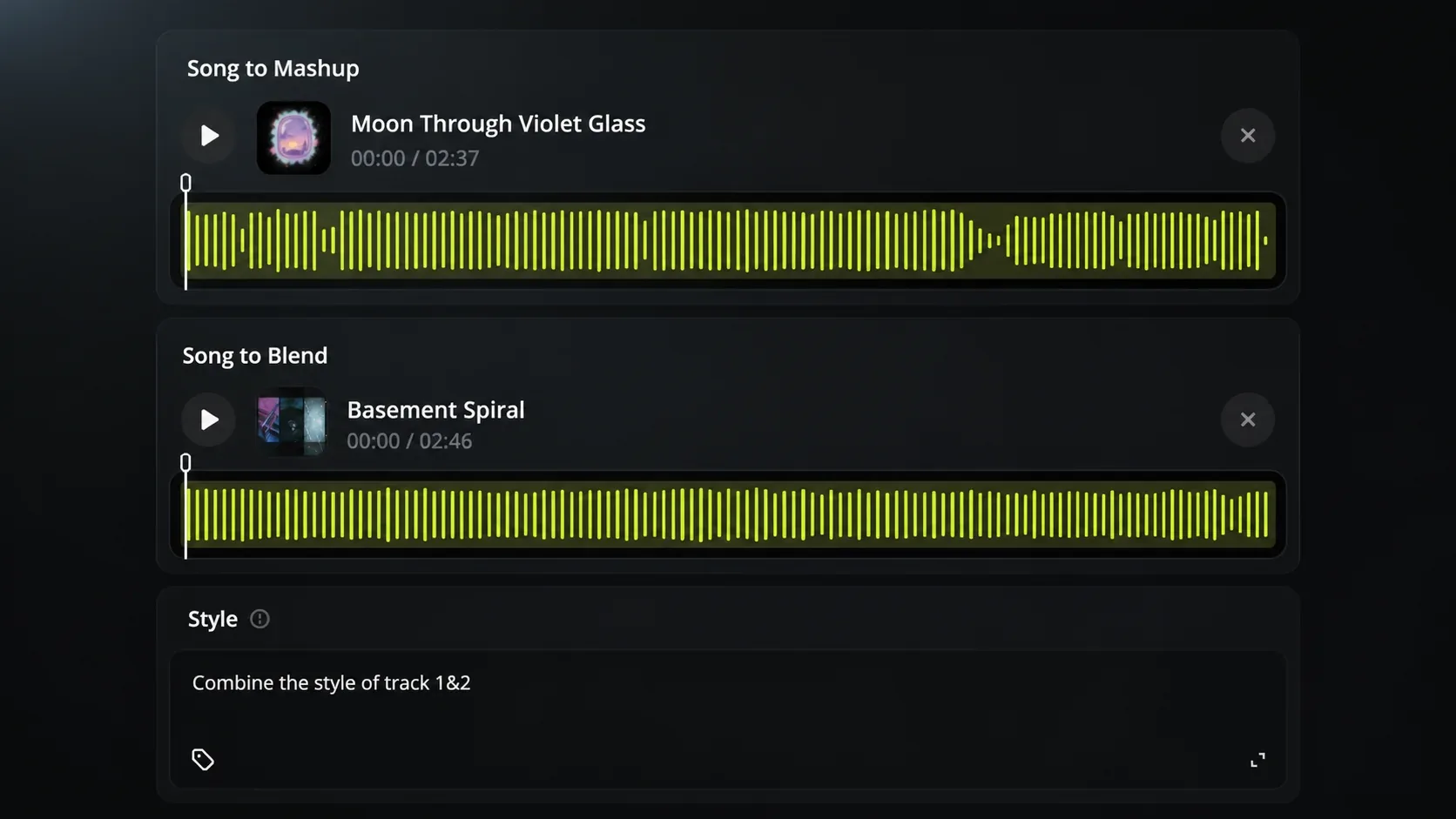
How to make an AI mashup
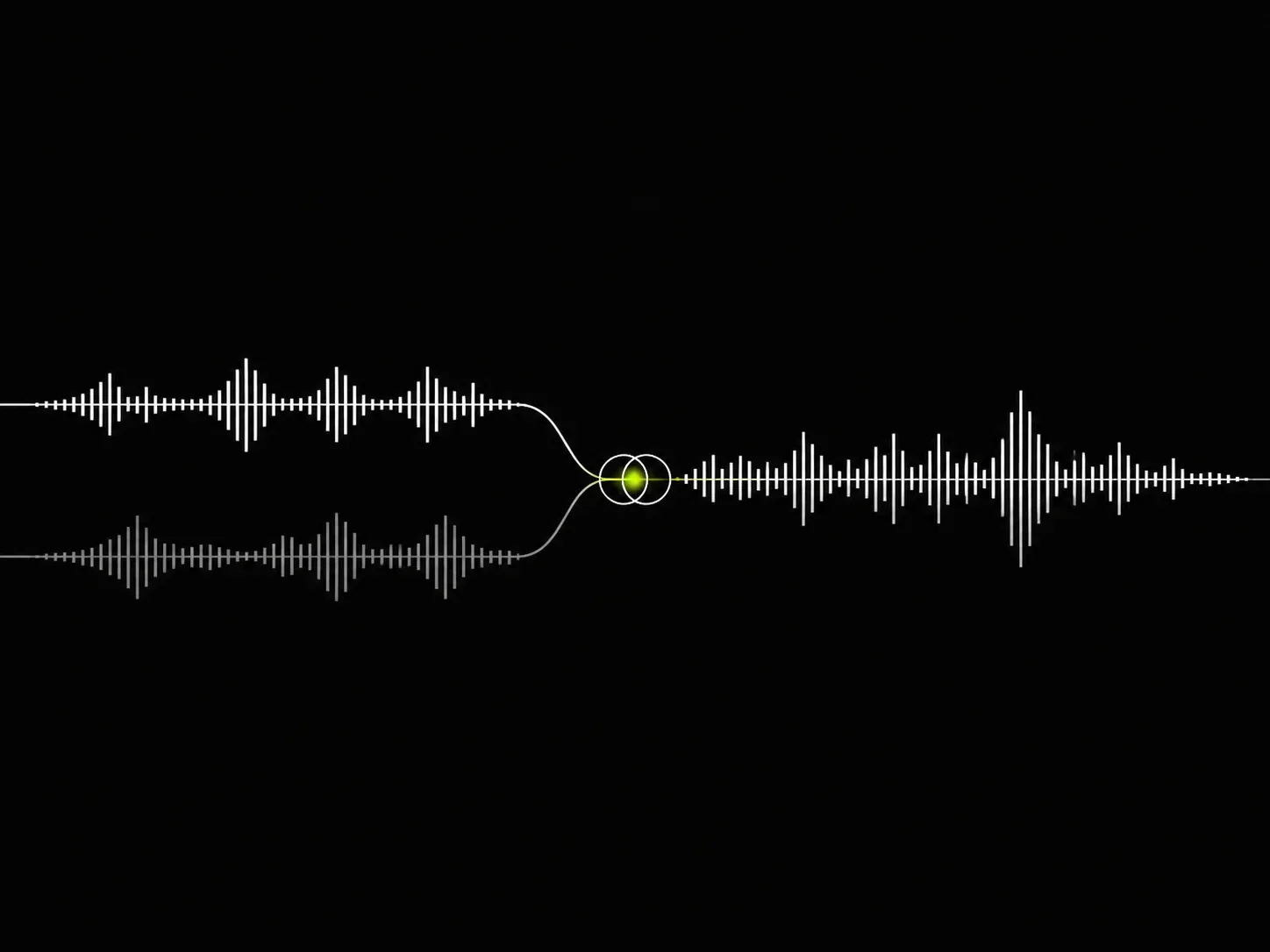
AI Mashup is for combining two musical starting points into a third, newly generated song. It is not a joined audio file or a DJ mix.
01
Pick two completed songs that each bring something useful to the new song, such as a vocal feel, rhythm, or overall style.
02
Use lyrics from either song or create new lyrics, then describe the style you want for the generated song.
03
AI Mashup generates a separate song shaped by both choices, giving you one result rather than two tracks played together.
Two songs, one new song
One song may have the vocal character you want while another has a rhythm or style that suits the project better. AI Mashup gives those two songs a shared starting point and creates a new song from it.
Choose songs for different reasons, then create a third song that can draw from both instead of forcing either one to do every job.
The result is a newly generated song, not a splice between the two songs you selected.
AI Mashup ideas
AI Mashup is useful when two songs point toward a better idea together than either one does on its own.
Use case 1
Choose two songs with different strengths, then use AI Mashup to create a new third song that brings those musical qualities into one result.
Use case 2
Select two songs that show different parts of the idea you are exploring. AI Mashup turns them into a fresh song you can listen to and assess.
Use case 3
Use two songs as the starting point for a new combination, then hear how a third song can change the mood, rhythm, or vocal character.
Who can use AI Mashup
AI Mashup helps people turn two songs into one fresh result when neither song alone covers the whole idea.
01
Combine two song ideas to hear a new demo when one has the stronger words or vocal character and the other has the better musical feel.
02
Use two completed tracks to test a new blend of rhythm, style, and vocals before choosing where to take the next production.
03
Create an original third song from two selected tracks when a project needs music with a more specific combination of mood and energy.
04
Combine the strongest parts of two references when a scene needs a new track with a precise balance of mood, rhythm, and vocal style.
AI Mashup FAQ
Answers about creating a new song from two songs.
Choose two songs, add the style or lyrics you want, and make an AI Mashup.