01
Describe the song
Write about the story, mood, genre, singer, or point of view. Add any lines you already want the song to include.
AI lyrics
Write a song idea and get AI lyric drafts from the models you select. Compare the words, revise the parts you want to change, and create music from a lyric draft.
Write Lyrics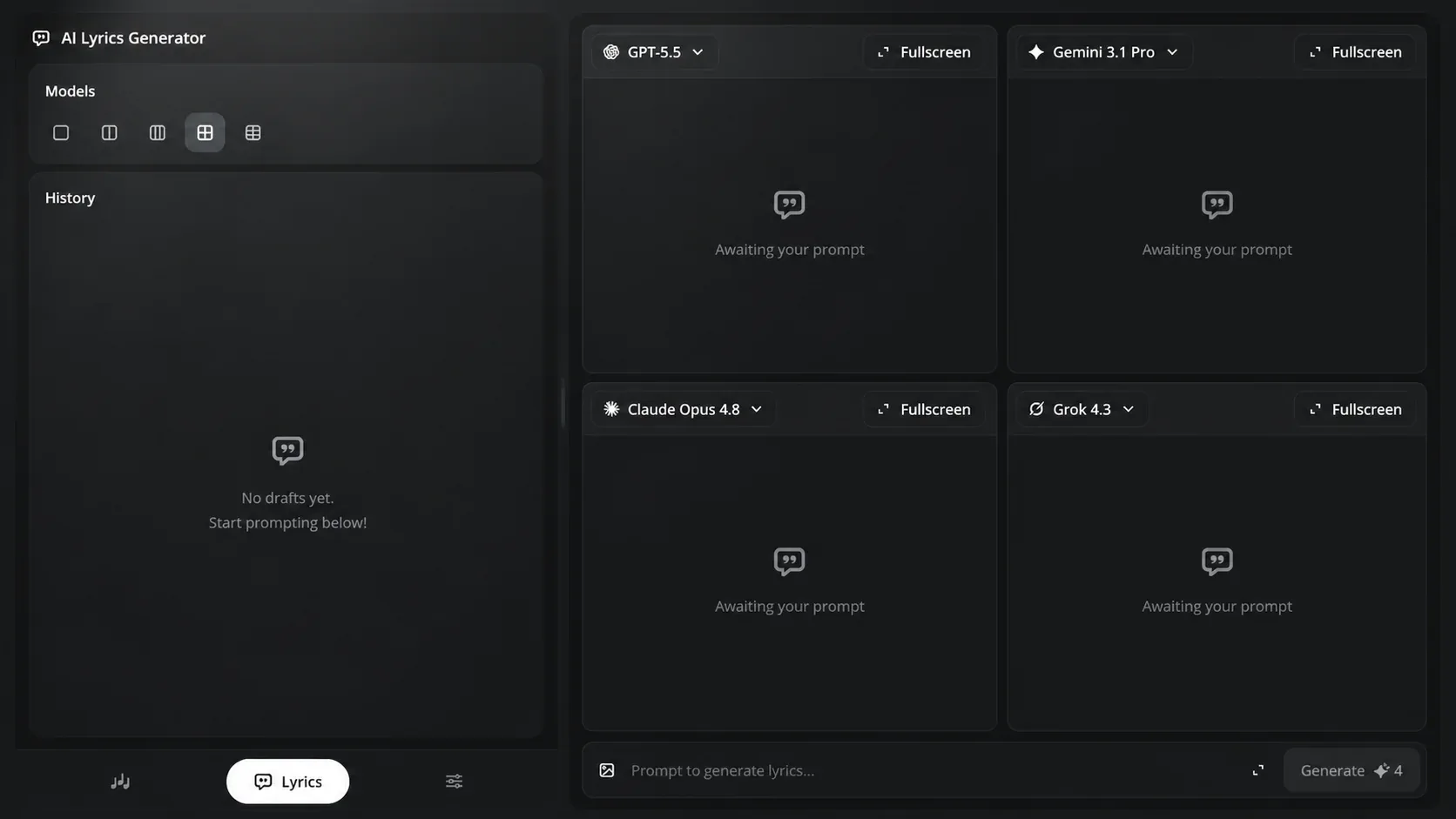
Compare AI lyrics
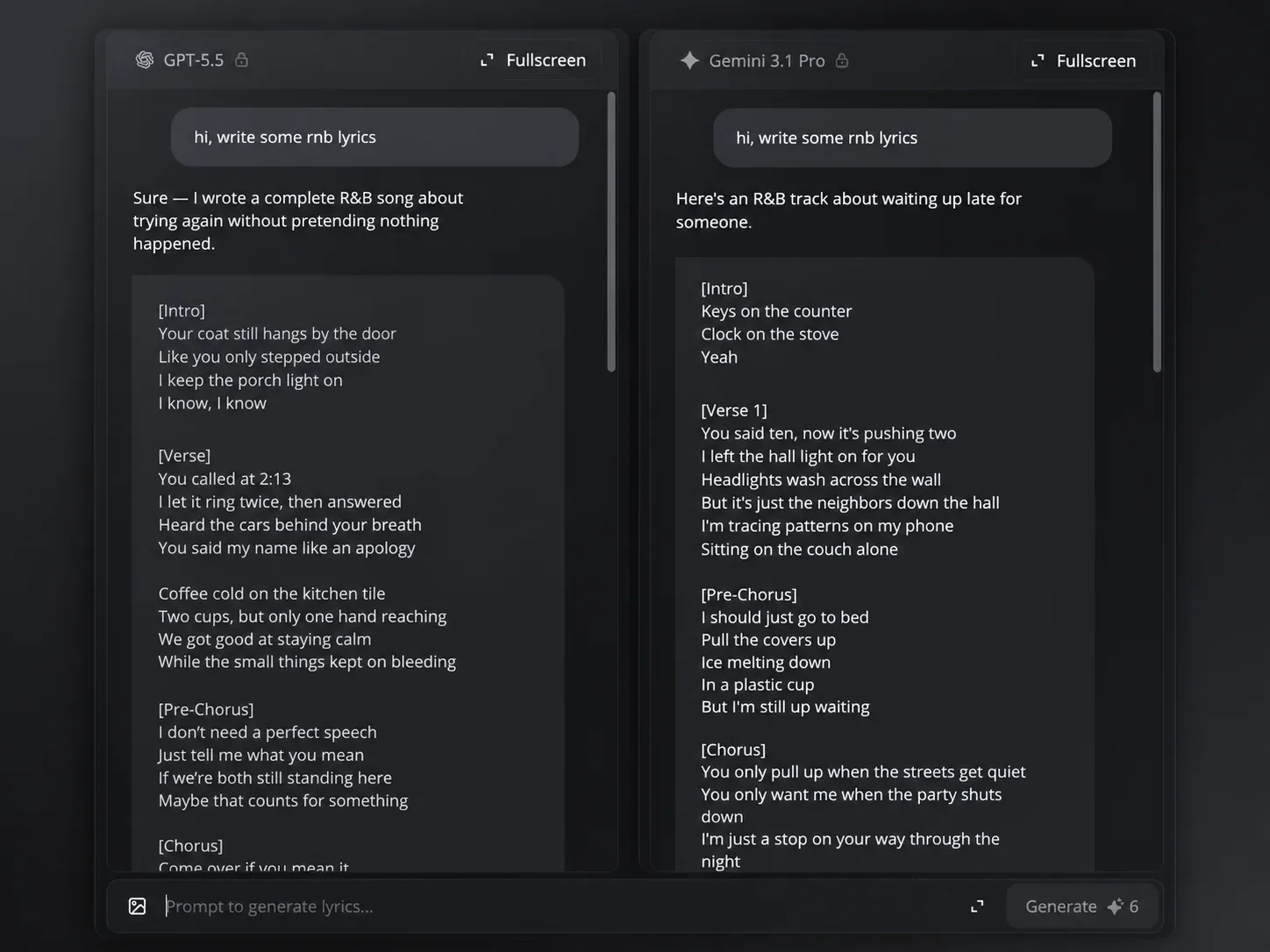
One song idea can lead to different verses, choruses, and hooks. Lyric Studio lets the selected AI models write from the same prompt, so you can compare the drafts side by side.
Selected models
Keep the full draft you prefer, or copy individual lines that work for the verse, chorus, or hook you are writing.
How to write AI lyrics
Start with a new song idea or an unfinished lyric draft. Lyric Studio gives you drafts to compare and a conversation for making changes to the lyrics.
01
Write about the story, mood, genre, singer, or point of view. Add any lines you already want the song to include.
02
Select the AI models you want to write with, then read how each one handles the same song idea.
03
Ask for a new verse, chorus, hook, point of view, or line. Compare the revised lyrics and keep working until the words fit the song.
AI lyric writing
Lyric Studio can help with a blank page, a weak chorus, or lyrics that are ready to become music. Each task starts with the words you want to improve or develop.
Songwriting tasks 1
Describe the story, singer, or feeling you want in the song. Lyric Studio gives you lyric drafts with verses and choruses to compare.
Songwriting tasks 2
Keep the lyrics that already work and ask for a different chorus, clearer line, or new point of view. Lyric Studio gives you new words for that part of the song.
Songwriting tasks 3
Choose the lyric draft you want to use and select Create Music. The lyrics open in Text to Music, ready to become a new song.
Lyric Studio FAQ
Answers about writing, comparing, revising, and using lyrics in Lyric Studio.
Open Lyric Studio to write AI lyrics from a song idea, compare drafts, and revise the verse or chorus you want to improve.