
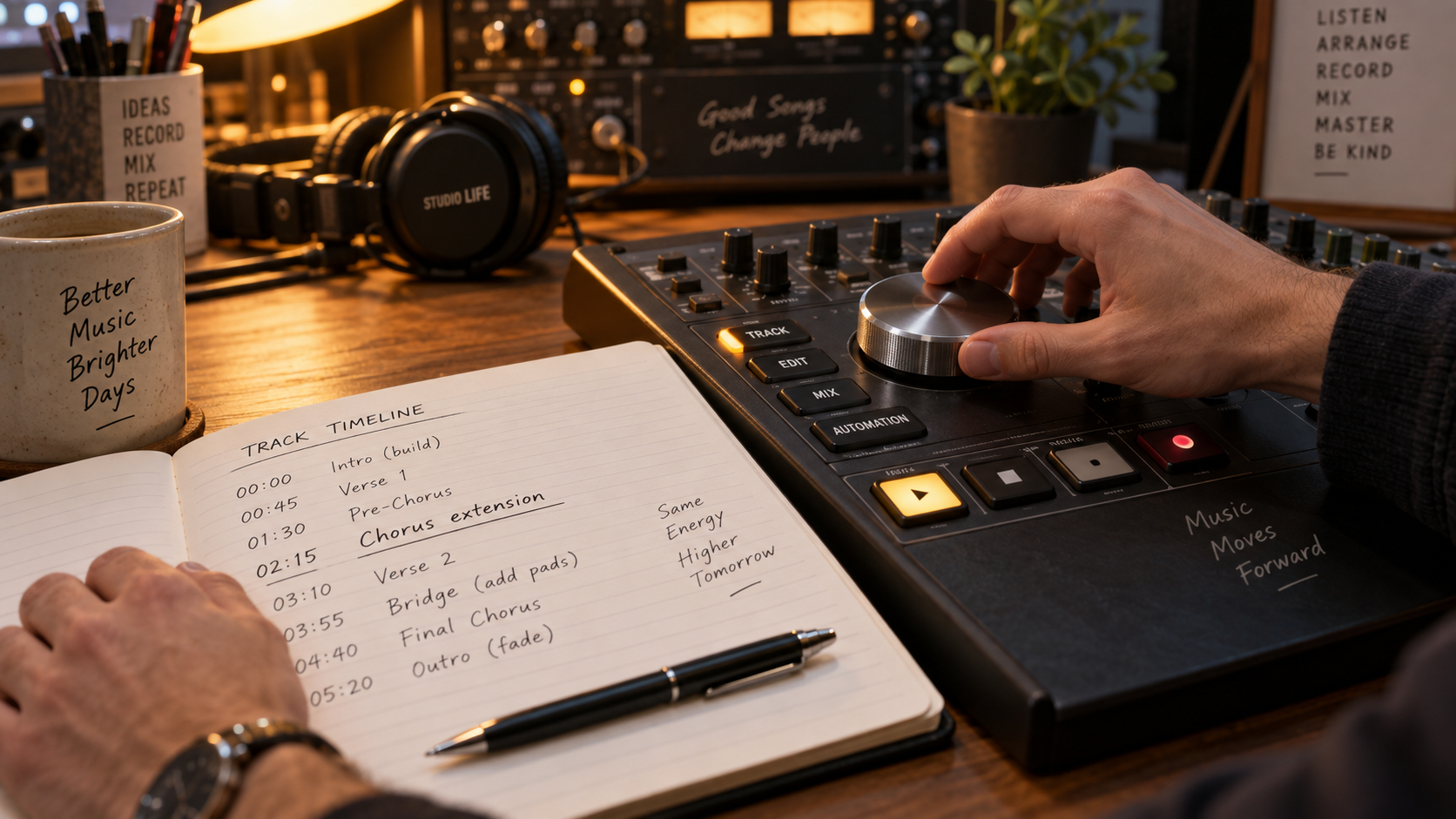
Exact Continuation Point
Pinpoint any second on the waveform to begin extending, keeping the verse, chorus, or beat you want.
AI Music Extender
Pick the exact point where you want your song to continue. Wav AI analyzes key, tempo, and vocal tone to seamlessly add verses, guitar solos, or full outros.
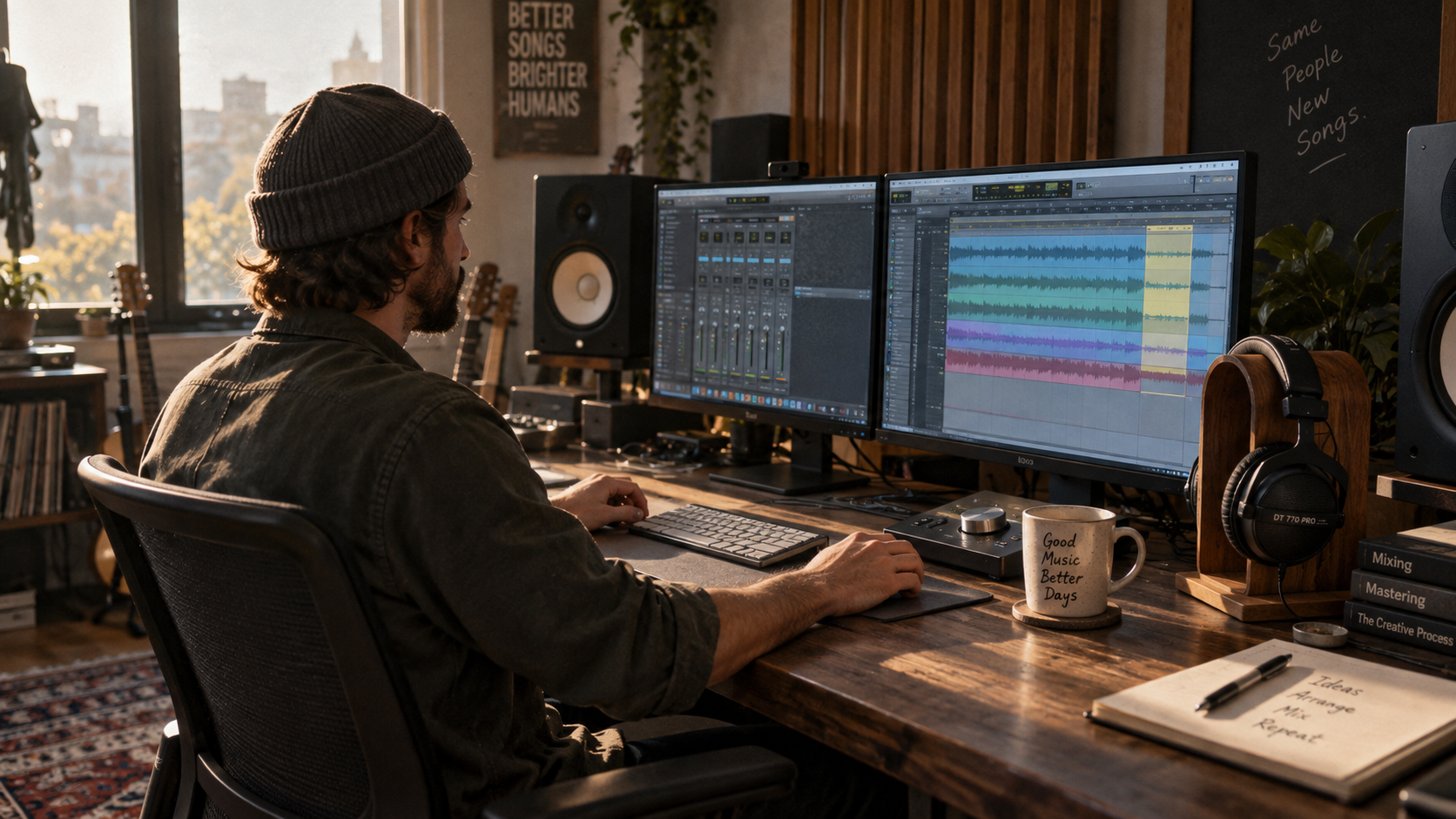
Intelligent Audio Continuation
Overcome timing limits and expand song structures without losing your original groove or sound quality.
Pinpoint any second on the waveform to begin extending, keeping the verse, chorus, or beat you want.

Wav AI detects BPM, harmonic scale, and energy so the continuation flows naturally without awkward key jumps.

Provide custom lyrics for upcoming verses, or toggle Instrumental for melodic guitar solos, beats, and ambient outros.
Simple 3-Step Workflow
From an unfinished 30-second idea to a full radio-ready arrangement with zero music production experience.
01
Import an MP3, WAV, or M4A audio file, or pick an existing project directly from your Wav music library.
02
Scrub the waveform to choose the continuation point, then add optional lyrics or musical style cues.
03
Generate the seamless continuation, preview the transition, and download your 100% royalty-free full-length track.
Creative Scenarios
Solve song-length constraints and expand creative ideas across personal and commercial media.

Lengthen background music tracks to match full YouTube videos, reels, and films without repetitive looping.

Turn a 30-second hook or beat demo into a complete multi-section song with verse, chorus, bridge, and finale.
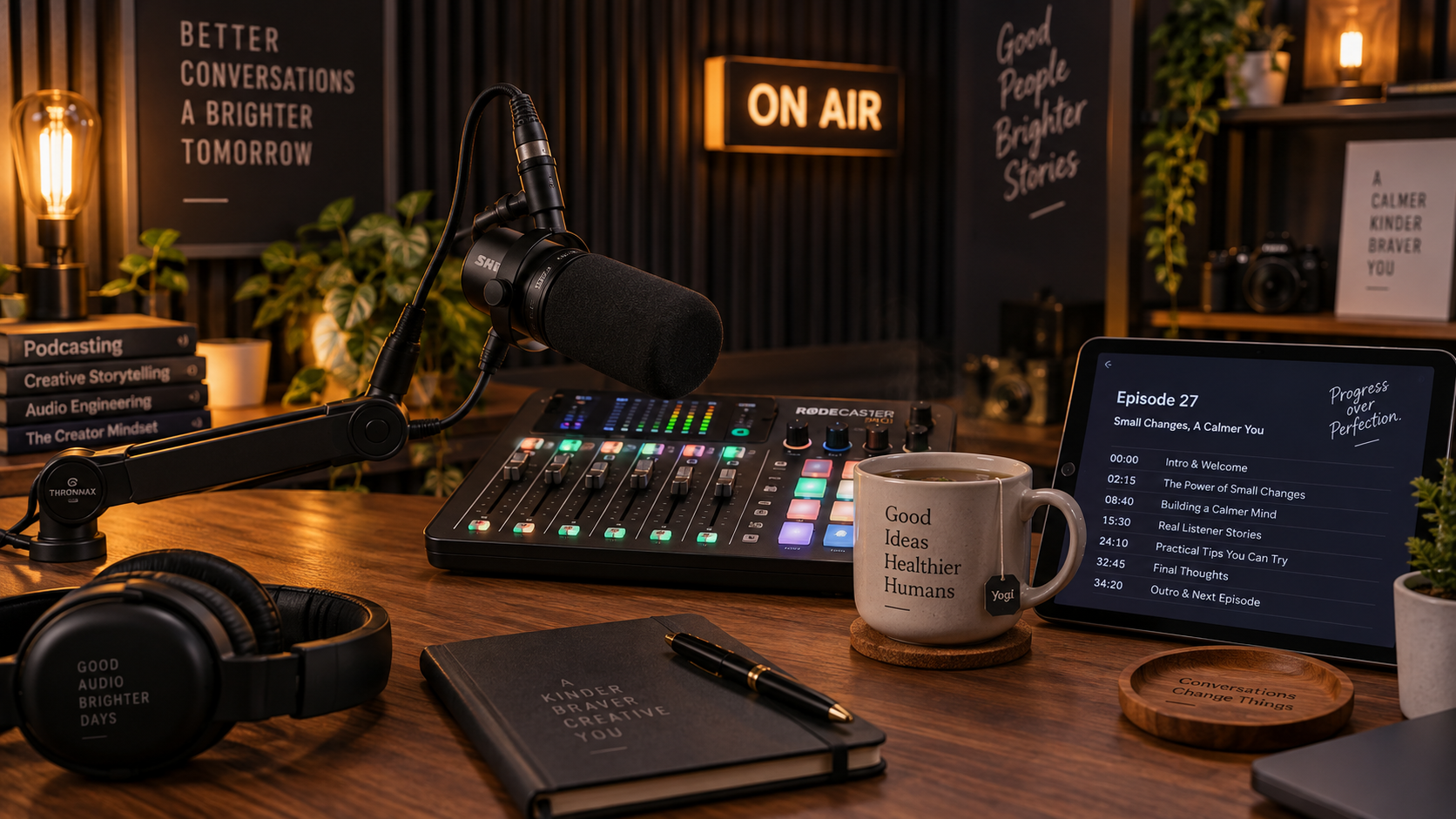
Create extended intro themes, prolonged talk-over background ambiance, and smooth broadcast outros.
Frequently Asked Questions
Answers to common questions about continuation seams, vocal consistency, supported formats, and commercial rights.
Explore Related Tools
Discover our full suite of AI audio tools to remix, compose, and master your original songs.
Upload your audio, pick your continuation point, and lengthen any track with seamless harmony and studio quality.