
01
Songwriters & Lyricists
Polish clunky rhymes or refine hook lyrics without throwing away an inspired vocal performance.
AI Music Replace Online
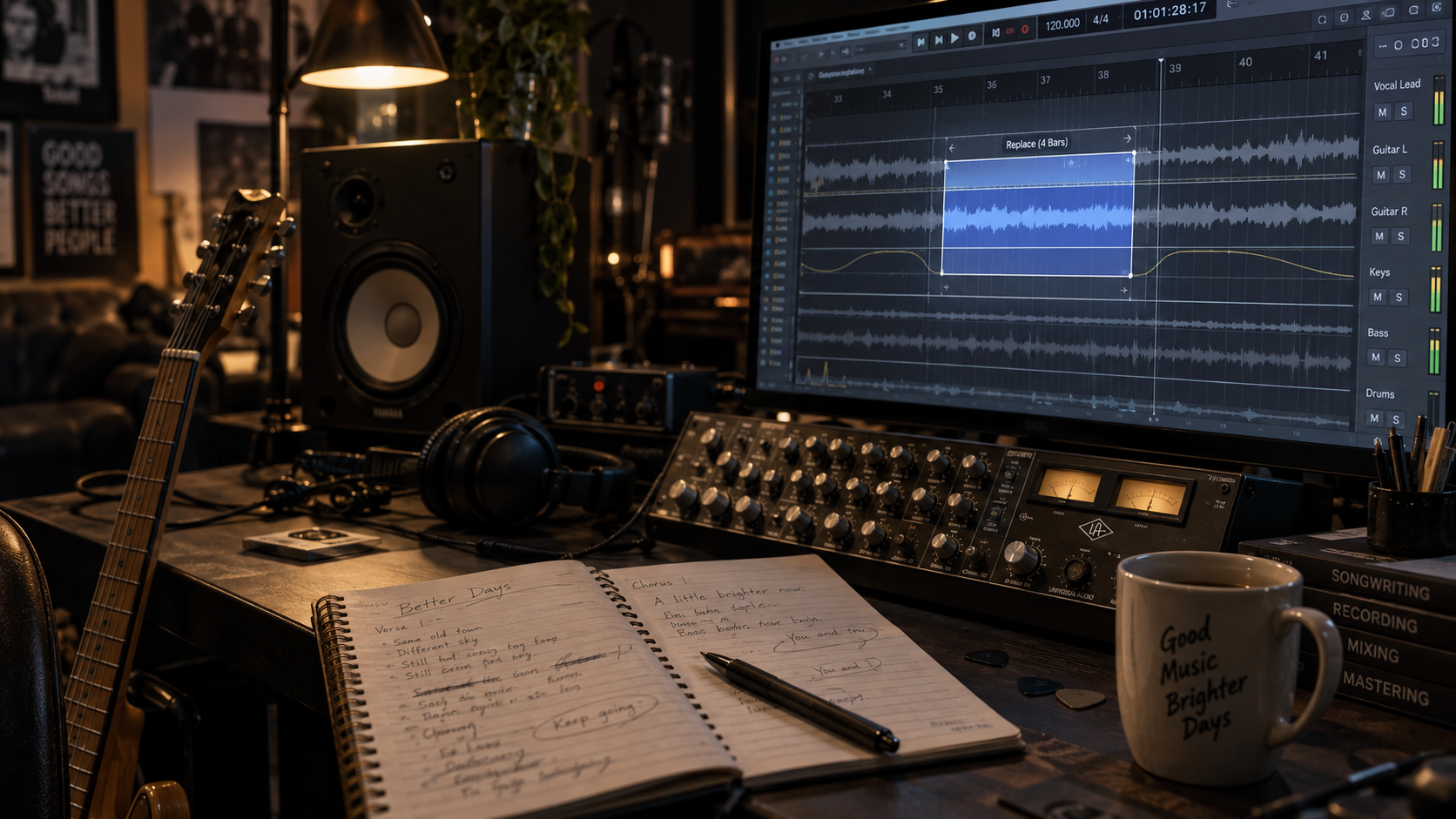
Surgically edit one part of your track without remaking the whole song. Highlight the section on the waveform, enter new lyrics or musical directions, and generate a seamless transition.

Three-Step Inpainting
Follow three simple steps to punch in new lyrics or instrumentals without re-recording.
Load an eligible song from your library and set precise start and end markers on the interactive timeline.
Input the revised lyric lines or describe the updated instrumentation and vocal delivery for that section.
Wav synthesizes new takes conditioned on the surrounding audio, applying micro-crossfades for an imperceptible splice.
Precision Audio Editing
Keep the 90% of your song that already works. Target only the flawed bar, awkward lyric, or mismatched solo.
Correct mispronounced words, update brand names, or rewrite verses while keeping the exact singer timbre and melodic cadence.
Replace a clashing guitar solo with a saxophone or synth lead while locking tightly to the existing chord progression.
Sub-millisecond equal-power crossfades snap to zero crossings, eliminating audible pops, clicks, or transient doubling.
Built for Perfectionists
Audio Replace empowers creators who need surgical revisions rather than total regeneration.
01
Polish clunky rhymes or refine hook lyrics without throwing away an inspired vocal performance.
02
Rapidly adapt brand slogans, voiceover cutouts, or client revisions without re-booking studio sessions.
03
Shorten sleepy intros or add energetic builds to existing tracks to optimize retention across social platforms.
Creative Possibilities
Explore how creators use surgical audio inpainting to save time and polish songs.
Key Scenarios 1
Highlight a 2-second word window to correct spelling and phoneme delivery while keeping the surrounding take.
Key Scenarios 2
Swap an 8-bar ballad bridge into a half-time beat with 808s and hi-hats, resolving back into the final chorus.
Key Scenarios 3
Swap the last 5 seconds of a branded song to feature different localized city names or promotion dates.
Got Questions?
Clear answers to common questions about waveform selection, crossfades, and vocal preservation.
AI Studio Tools
Combine audio replacement with professional AI mastering, remixing, and stem splitting.
Stop throwing away good songs over one flawed section. Inpaint lyrics, melodies, and solos in seconds.